The problem
Preparing each proposal meant searching through documents and messages, copying details and checking whether the template and attachments matched the request. Those manual steps slowed the process and made mix-ups more likely.
PROPOSALS AND DOCUMENTS
INTERNAL USEFrom request to send, with human review
I built an application that brings together requests, real commercial templates, document generation and customer communication. The team prepares a proposal in the app, reviews it and sends the email from the same application after approval.
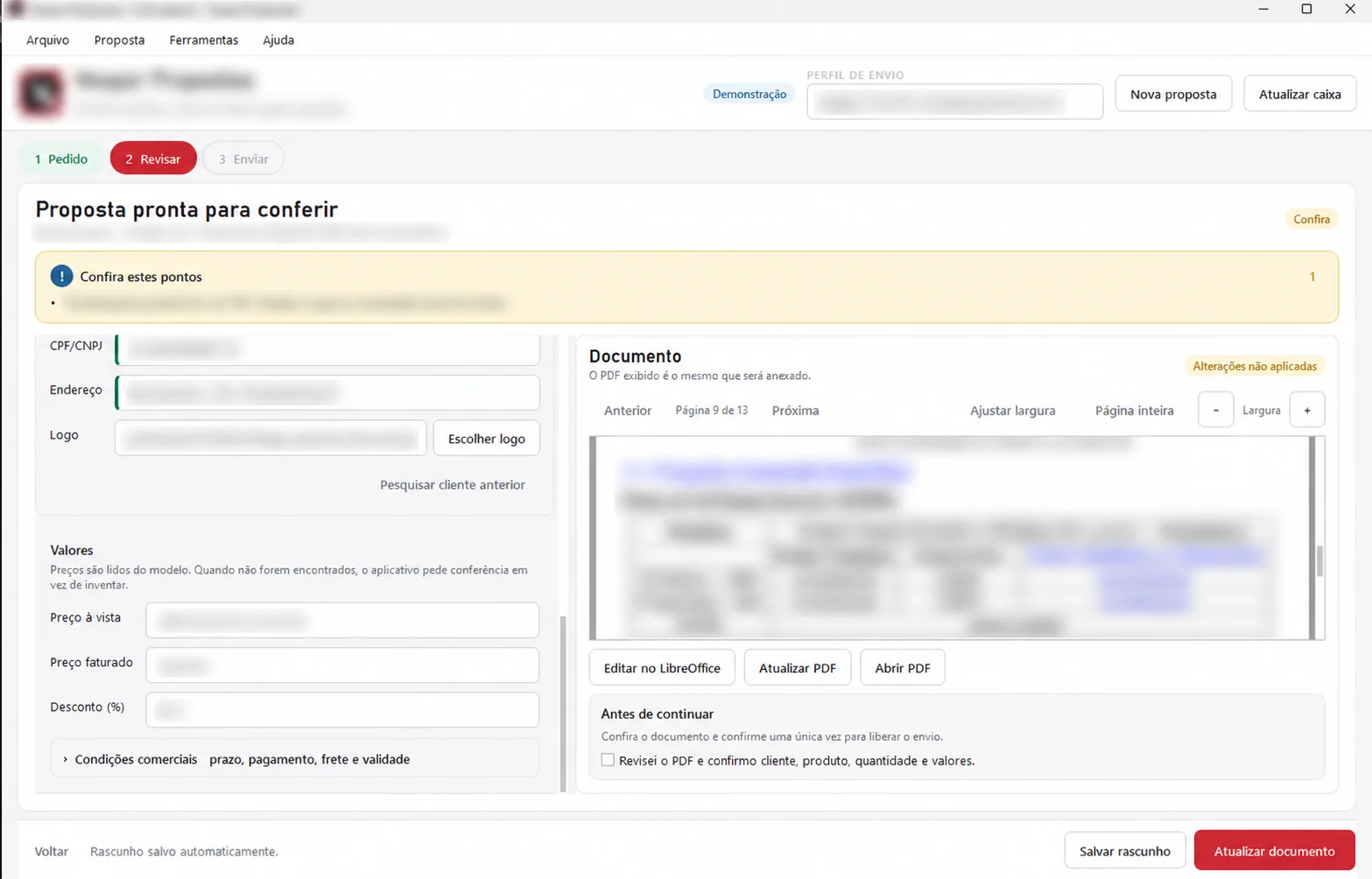
Request details flow into the appropriate template; a person checks the document before the proposal leaves the company.
IN PRACTICE
Preparing each proposal meant searching through documents and messages, copying details and checking whether the template and attachments matched the request. Those manual steps slowed the process and made mix-ups more likely.
I created a Windows application that brings together the request, template selection, document generation, preview and history. The commercial team’s real templates are part of the workflow.
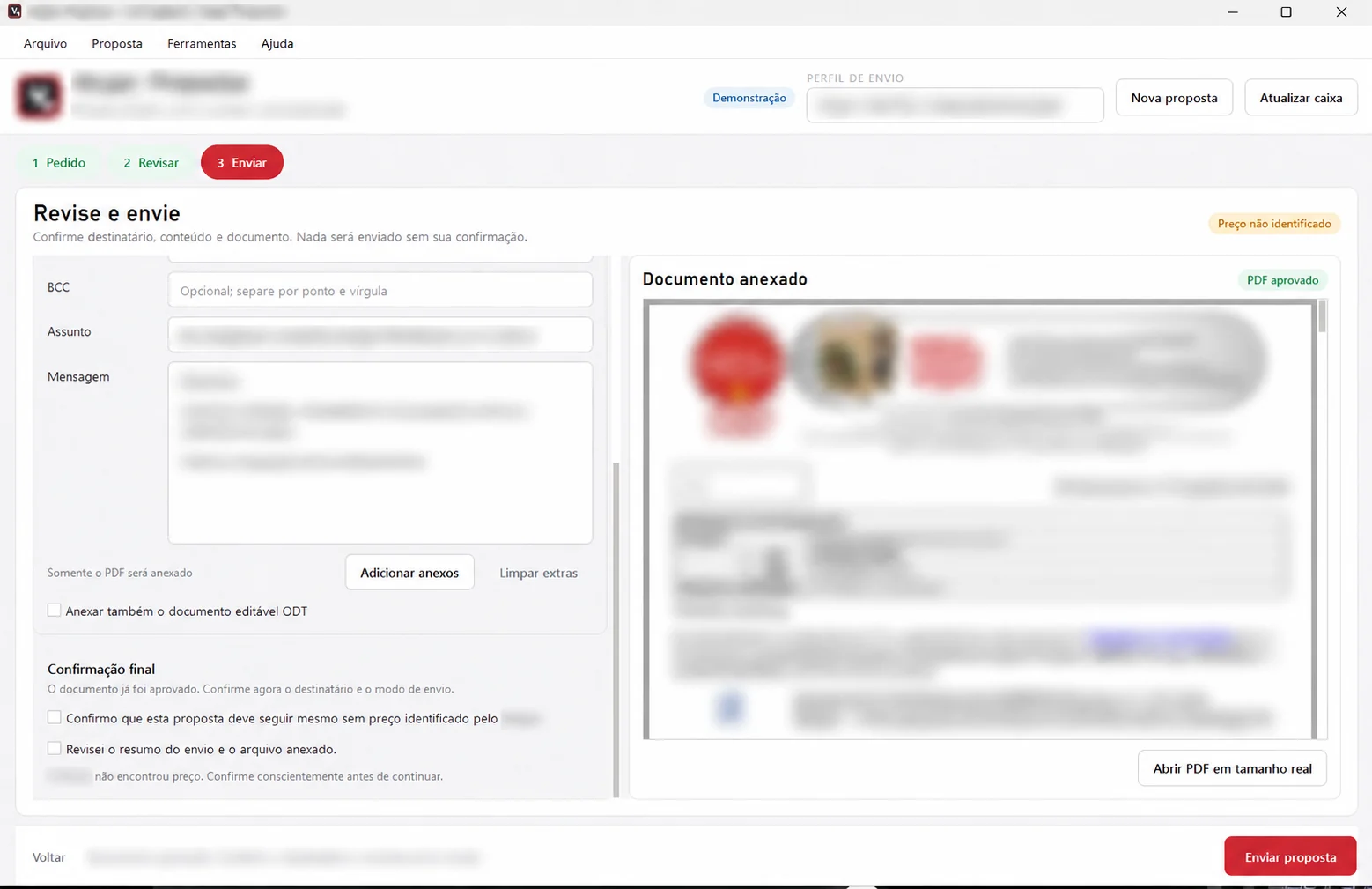
A person selects the request and template, reviews the generated proposal and makes any needed changes. After human approval, the email is sent from the application.
The application supports Commercial staff as they prepare proposals and keep track of completed work.
Request details, templates, documents and communication live in one workflow, with less switching between files and messages and less manual work to assemble each proposal.
The careful part was connecting information from requests and emails to the right template while keeping the final check with the team. I am still evolving the architecture to make the workflow faster and more accurate as it works with the real templates.
Technology
Python · PySide6 · SQLite · IMAP/SMTP · LibreOffice · Windows installer.
My role
Development, deployment, training and support. The source and commercial documents remain private; this case explains the workflow without exposing internal screens or data.
An external email is sent only after a person reviews and approves the proposal. The system organizes the work; the commercial decision stays with the team.